
Your phone keeps asking you to approve a login. What now?
Repeated approval prompts on your phone, or a caller who asks you to tap approve, are a sign that someone has your password. What to do, step by step.
The Editors4 min read

The problem
Your phone buzzes with a message asking you to approve a sign-in. You did not try to sign in. A few minutes later, it happens again, and again. Or a caller says they are from your bank, or from a government service, and asks you to approve a request in an app that is about to appear.
Either way, someone is trying to get into an account. If they have your password, the approval prompt is the last thing in their way, and they need you to tap approve.
How it can happen
Many apps now ask for a second step when you sign in, such as a tap on your phone or a code. The point is that a password alone is not enough. A criminal who has obtained a password, perhaps from a leak or a fake website, can start a sign-in and trigger that prompt on your phone.
CISA describes one tactic as MFA fatigue, also called push bombing. The attacker bombards a user with push notifications until the user approves one by accident or out of annoyance with the nonstop alerts. CISA's suggested defence for organisations is number matching, in which you must type a number from the sign-in screen into the app, so a blind tap no longer works.
The phone version is a caller who tells you to approve the prompt "to cancel the fraud" or "to confirm your identity". The approval does the opposite, and it lets them in. For the same pattern in Saudi Arabia, see the Nafath approval call.
The FTC's page on verification codes makes a related point about codes: with the password and the code together, a scammer can reach savings or investments, so anyone who asks you for a code is a scammer.
How to avoid it
- Deny or ignore a prompt you did not start. If the app shows a number to match, do not enter one unless you began the sign-in yourself.
- Change your password for that account, using a device you trust. If you used the same password elsewhere, change those too.
- Never approve on a caller's instruction. Hang up. Open the app yourself later and read what any request says.
- Check with the real company on a number from your card or app, not one the caller gave you.
- Use alerts and review recent activity on the account, if the service shows it.
- Report phishing messages. CISA suggests using the report option next to the sender's name or email toolbar, and not to click any link, including unsubscribe links.
- If you approved by mistake, contact the service or your bank at once, change the password and follow what to do after you shared a code or gave someone access.
Things to watch
- A string of approval prompts you did not start.
- A caller who knows your name and says a prompt is coming.
- Pressure to tap quickly, or a claim that the prompt will cancel a fraud.
- A password reset email you did not ask for.
- A request to share a code from the same service.
- Sign-in alerts from places or devices you do not know.
Prompts are safe when you start them and worth refusing when you did not. A short rule can help: if you did not begin it, do not approve it. A phone call asking for a code works the same way, as shown in the WhatsApp request.
More to read
Keep reading
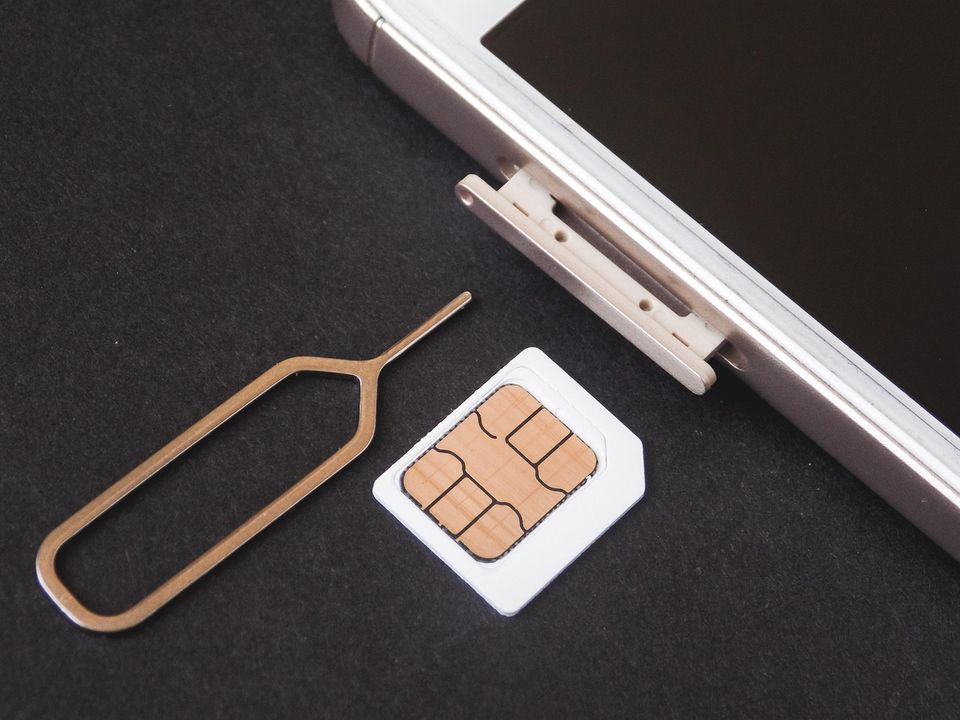
Your phone number can be taken over. How SIM swap fraud works
In a SIM swap, a criminal moves your number to their phone to catch your codes. How it happens, what carriers must now do, and how to protect yourself.
The Editors3 min read
A call asking you to approve something on Nafath. Check this first.
A caller asks you to approve a request in the Nafath app. Why you should stop, and what to check first.
The Editors3 min read

Someone asks you to read back a code from a text. Do not
A buyer, a pet finder or a caller asks for a code texted to your phone. How the Google Voice verification scam works and why you never share a code.
The Editors4 min read
Your bank just texted asking for the code they sent you. Never send it.
A message asks you to send back the code your bank just texted. Why that code must never be shared and how the trick works.
The Editors3 min read