
A QR code on a parking meter may be fake. Going around now
The FTC warned in September 2026 that scammers place their own QR codes over real ones on parking meters. How to check before you scan and what to do after.
The Editors3 min read
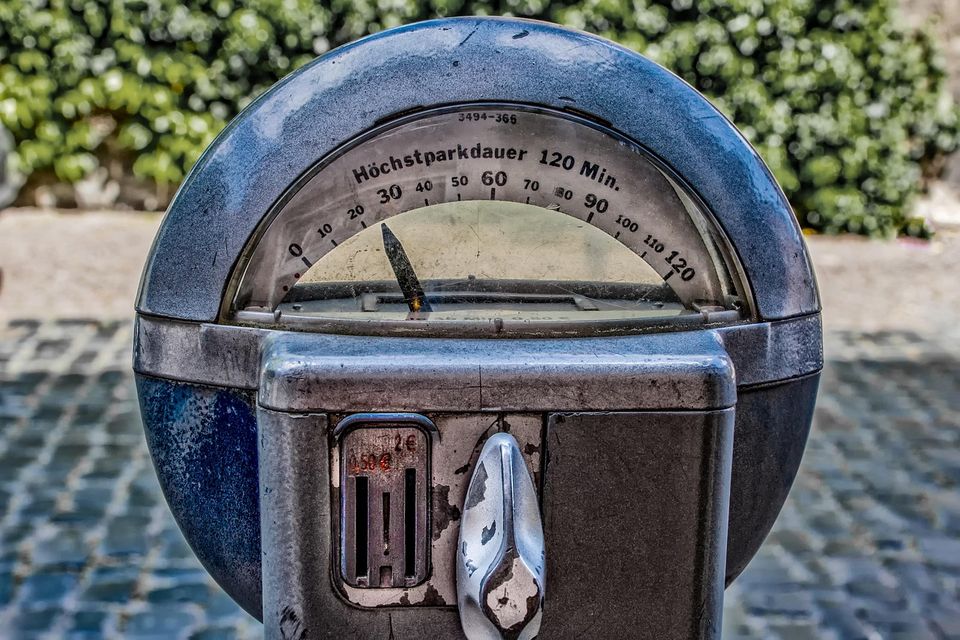
The problem
Parking meters in many places now show a QR code to pay by phone. It saves finding coins, and it is a convenient way to pay. The FTC warned on 3 September 2026 that scammers are placing their own QR codes over the real ones.
A driver scans the sticker, expecting a payment page. Instead, the code can lead to a fraudulent site that tries to steal money, personal information or both.
How it can happen
The FTC's alert describes the tactic simply: scammers cover a legitimate code with a fake one. In a busy street, a sticker on a meter does not draw attention. The fake page may look like a normal parking payment page and ask for card details.
The FTC's 2023 alert had already noted reports of scammers covering up QR codes on parking meters. A QR code hides its destination until you scan it, so people cannot judge it by looking.
QR codes also arrive by text. In April 2026 the FTC warned about texts that tell you to scan a code to pay a traffic violation, sometimes with a state seal, a fake case number and a hearing date. Scanning can lead to attempts to steal information or download malware.
How to avoid it
The FTC's steps are practical.
- Check the address. Many QR readers show a preview of the link. Look for misspellings or switched letters before you open it.
- Look at the meter. If the code appears to be a sticker placed over another, or looks damaged, do not scan it. Use another way to pay.
- Keep your phone updated, including its operating system and apps.
- Use strong, unique passwords and turn on multi-factor authentication for your accounts.
If you scanned a suspicious code:
- Do not engage with the page or anyone on it, since they may press you for money or sensitive details.
- Change your password right away, including on other accounts where you used the same one.
- Review your card and bank statements for charges you do not recognise.
- Report it at ReportFraud.ftc.gov.
Our guide to checking a link before you click explains how to read an address, and if card details were entered, the steps in what to do after you shared a code or gave someone access apply.
Things to watch
- A QR code that looks like a sticker placed over another.
- A page address with odd spelling.
- A payment page that asks for more than card details, such as a password or Social Security number.
- A QR code in an unexpected text.
- A notice that pressures you to pay at once.
If a meter looks tampered with, paying another way costs very little time.
More to read
Keep reading

A caller says the FTC will deactivate your phone number
The FTC warned on 22 October 2026 about callers who say your number is being used for scams, then pass you to a fake police officer. What to do.
The Editors3 min read
Getting transferred to a fake SSA OIG agent mid-call? This is going around right now.
A call transfers you to a fake Social Security Inspector General agent. This pattern is going around right now.
The Editors3 min read

Callers pose as police or officials. The FBI's September 2026 alert
The FBI warned on 17 September 2026 about scammers posing as police and officials. What they say, what authorities never do, and how to report.
The Editors3 min read
A call says you missed jury duty. Going around now
The FTC warned in June 2026 about calls, texts and emails that threaten arrest for missed jury duty and send a fake warrant. What is true and what to do.
The Editors3 min read