
A text says your package could not be delivered. Real or fake?
A text about a missed parcel, unpaid postage or a delivery update asks you to click a link. How to tell if it is real and how to check your parcel safely.
The Editors3 min read
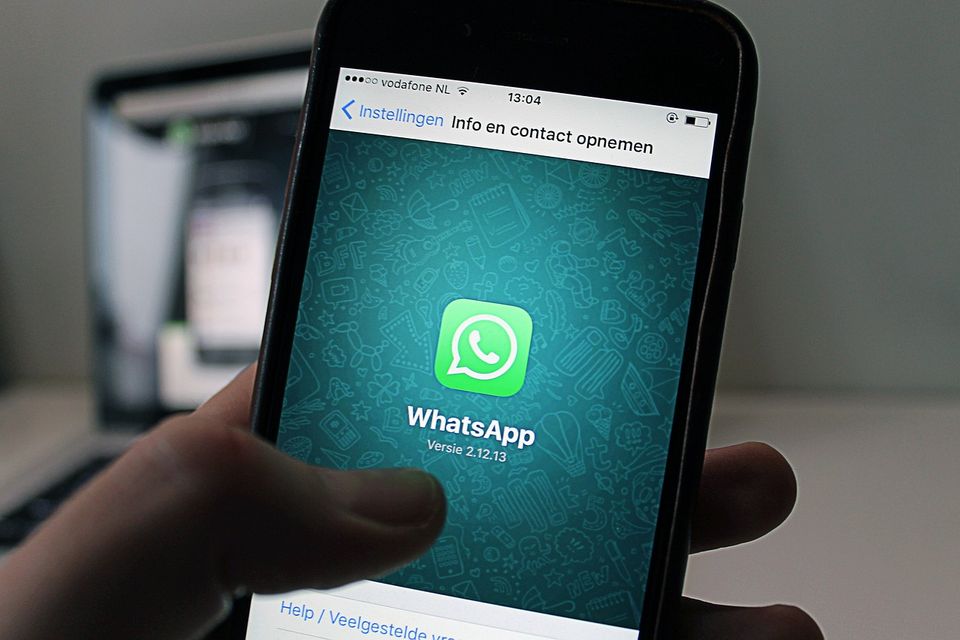
The problem
A text arrives saying a package is waiting. It may say the delivery failed, postage is unpaid, an address needs to be confirmed or delivery preferences must be updated. It includes a link to fix the problem, often with a small fee.
Most of us order things, which makes the text feel plausible. Even if you are not expecting a parcel, a moment of doubt can lead to a tap.
How it can happen
The FTC explained the pattern in April 2025. The texts claim to be from USPS, and often FedEx or DHL as well. They confirm an order, say a package is out for delivery, or report a problem such as unpaid postage, a missed delivery or a need to update shipping preferences. They urge you to click a link.
The link leads to a lookalike website that asks for personal or financial information. Anything you enter, including card details, goes to the scammer. The small fee is the point: it is a way to collect card details.
The FTC's page on spam texts lists fake package delivery notices among the common lures, alongside free prizes, gift cards and alerts about suspicious account activity. The aim is to obtain a password, account number or Social Security number.
How to avoid it
- Do not click or share anything in the text. The FTC says not to share information in the message.
- Check tracking directly. Go straight to the retailer's website or to the account where you placed the order. If you ordered nothing, you have your answer.
- Do not reply. Replying, even to say stop, tells the sender that your number is live.
- Use your phone's filters. The FTC suggests using the filter and block options for texts from unknown senders.
- Report and delete. Use the report junk or spam option in your messaging app. If there is none, forward the message to 7726 (SPAM). Then report it at ReportFraud.ftc.gov.
- If you clicked and typed card details, call your card issuer on the number on the back of your card and ask about the charge. If you shared a password, change it. The FTC suggests going to IdentityTheft.gov if you shared a Social Security, card or bank account number.
Our guide on checking a link before you click has a longer routine for any link, and what to do after you shared a code or gave someone access covers steps if you went further.
Things to watch
- A text about a parcel when you are not expecting one.
- A request to pay a small fee, or to confirm an address, through a link.
- A sender that is not a number you recognise.
- A link that does not match the delivery company's real website.
- A message that creates a deadline.
- The same text arriving a second time from another number.
If a parcel does go missing, the retailer you bought from is the right first call. A real delivery issue can be settled there, without any link at all.
More to read
Keep reading

A stranger offers to manage your crypto. Is it real?
A message from an investment manager or friendly stranger promises crypto profits with little risk. How the scam works and the steps that keep your money safe.
The Editors4 min read

A recruiter texts you a job offer you never applied for
A text or email offers a remote job, a check or training fees. How fake job offers work, the signs to look for, and how to check a real employer.
The Editors4 min read

A rental listing looks too good. How to check it
Fake rental and marketplace listings ask for a deposit before you see the place. The red flags, a simple checking routine, and what to do if you paid.
The Editors3 min read
A text says you owe an unpaid toll. Should you pay?
A text claims you have an unpaid toll balance and a late fee. How the toll text scam works, how to check your real account, and where to report it.
The Editors3 min read
Someone told you to protect your money at a Bitcoin ATM. Stop.
If anyone tells you to put cash into a Bitcoin ATM to protect your money, it is a scam. How the pattern works and what to do.
The Editors4 min read