
How to block spam calls and texts on your phone
Practical ways to cut down on scam calls and texts, for mobiles, internet phones and landlines, and the one thing blocking cannot do.
The Editors4 min read
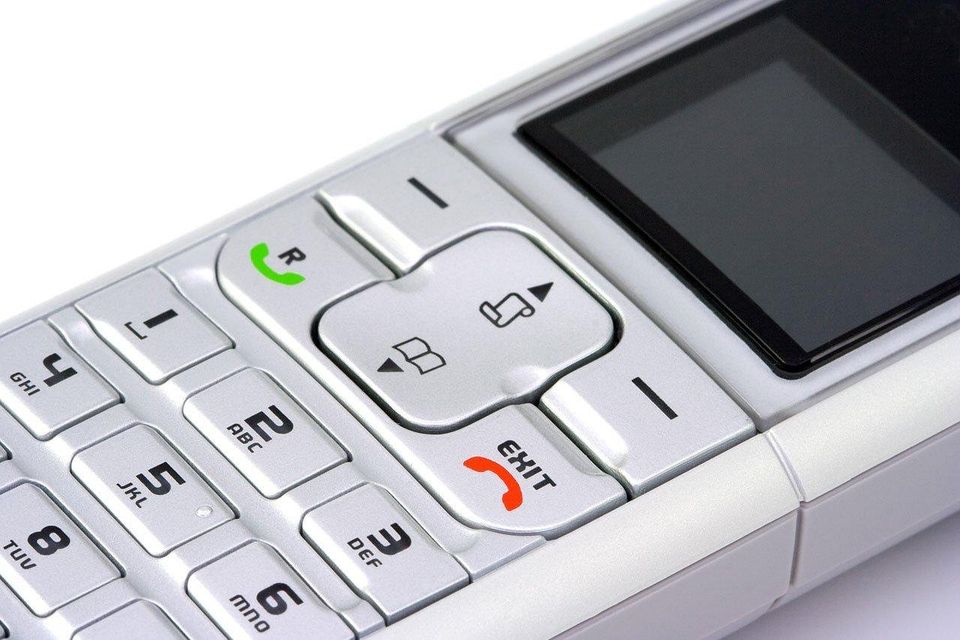
Why it's hard to tell
Many readers assume that signing up for a do-not-call list will end the calls. The FTC explains that registration stops sales calls from legitimate companies that follow the law, but not scammers. It can still reduce calls and make the remaining ones easier to spot.
Scammers also fake their caller ID. The FTC describes neighbor spoofing, where a call uses numbers matching the first digits of your own, so a blocking tool may not flag every unwanted call. A tool that blocks too hard might also stop calls you want.
Common tricks used
- A number that looks local, designed to make you pick up.
- A recorded message that asks you to press a key. The FTC advises not pressing any key, since that can lead to more calls.
- A text that asks you to reply, which tells the sender your number is live.
How to verify, step by step
The right tool depends on the phone. Choose the one that matches yours.
Mobile phone 1. Use the built-in features. Many phones let you block specific numbers, though there may be a limit, and Do Not Disturb hours can send calls to voicemail. 2. Turn on the filter for texts from unknown senders if your phone has one. The FTC describes this option for iPhone and Android. 3. Ask your phone company about its call blocking or labelling services. Some are free and some cost extra. Contact it using a number or website you already know. 4. Consider a call-blocking app. The FTC says apps can stop calls, let them ring silently or send them to voicemail, and some work by block lists or allow lists. Read the privacy policy first, since an app may ask for access to your contacts.
Home phone that uses the internet (VoIP) Check with your provider first. Cable and phone bundles often use VoIP. The FTC suggests looking at expert reviews of internet-based call-blocking services.
Traditional landline A small call-blocking device attached to the phone is the usual answer. The FTC says these can use databases of known scam numbers, let you add your own, send unwanted calls to voicemail, or hold an approved list. Your provider may offer services too.
For texts Forward the message to 7726 (SPAM) so your provider can learn to block similar messages, or use the report junk option in your messaging app. UK readers can also use 7726. In the US, you can add a report at ReportFraud.ftc.gov.
For calls you want to report Use DoNotCall.gov if you lost no money, and ReportFraud.ftc.gov if you did. Include the number that called, the number shown on caller ID, any callback number and the time. Our guides to reporting a scam in the US and in the UK give the full steps.
Things to watch
- A blocking app or service that you are asked to pay for by someone who rang you. Choose tools from your app store or your own phone company.
- Apps that ask for more access than they need.
- A false sense of safety. Blocking helps, but a call that gets through still needs the usual check. Our guide to checking a caller ID covers that.
- A family member who lives alone and answers every call. A blocking device on their landline can give them breathing space, and helping a parent who keeps getting scam calls explores how to set it up kindly.
More to read
Keep reading
How to help a parent who keeps getting scam calls
Kind, practical ways to support a parent who is getting scam calls, from call blocking to a calm plan for the next call, without taking away their independence.
The Editors4 min read

How to set a family safe word
A family safe word is a simple way to confirm a caller really is your grandchild or child. How to choose one, share it and use it calmly.
The Editors4 min read

Already gave out a code, or let someone into your computer? Do this now.
You gave out a code or let someone into your computer. The steps to take right now, in the right order.
The Editors2 min read

Would a real government agency actually call you like this?
How to tell whether a call from a government agency is real, and what to do if it is not.
The Editors2 min read

Is this really your bank calling?
How to tell whether a call from your bank is real, in five steps you can do in a few minutes.
The Editors3 min read

How to report a scam in Saudi Arabia
What to do if a call, text or link in Saudi Arabia looks like fraud. Contact your bank's fraud line, stay with official sources and keep records.
The Editors4 min read